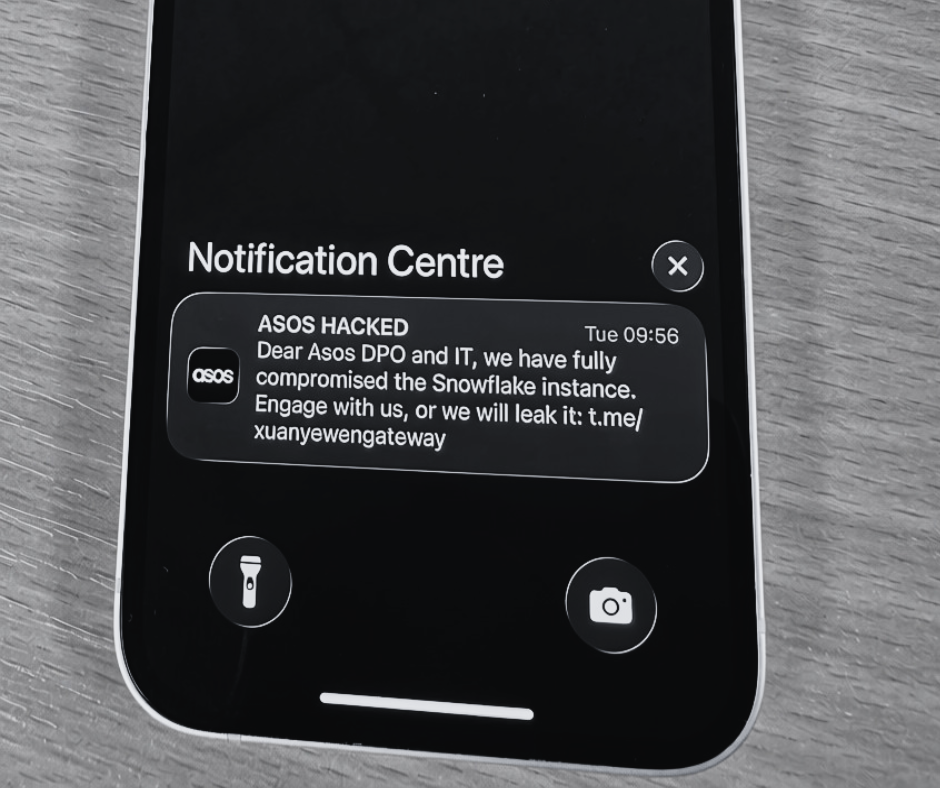
You may have recently received an email notification from Manchester, Stansted or East Midlands Airports about the compromise of your personal data. These UK travel hubs are part of the Manchester Airport Group (MAG), which recently experienced a cyber attack that gave hackers access to customer data.
Fortunately, no payment details were obtained during the incident. However, other personal data, including email addresses, phone numbers, vehicle registrations and postcodes, was accessed. The affected data was said to be linked to Wi-Fi access, car parking, lounge and Fast Track bookings.
Although most of the accessed data was reportedly limited to email addresses, some customers’ travel information may also have been exposed. This creates the potential for targeted follow-up attacks against MAG airport customers. The information could help attackers estimate when someone travelled or plans to travel, identify the airport amenities they use, and find one or more ways to contact them.
Put together, these details could make phishing and impersonation attempts appear convincing.
To help protect yourself, remain vigilant over the next few weeks and months. Although you cannot directly stop these attacks, staying informed can help you recognise and avoid them.
We’ve compiled a list of potential scams you may see in the coming weeks, along with tips for identifying malicious communications.
Potential Attacks to Look Out For
Phishing and impersonation are common scams that often work together. An attacker may pose as a trusted organisation or individual and then urge you to take action, usually with a sense of urgency. These messages may use familiar names and scare tactics, such as warnings about missed payments or possible cancellations.
Following this data breach, you may see airport-related messages such as:
‘Your car park payment for Date & Time has failed. Please re-enter your payment details and try again.’
‘You recently used Fast Track at Airport; you have a remaining balance to pay.’
‘We require further details from you regarding your upcoming visit.’
‘Congratulations, you’ve won free access to our lounge area for your upcoming visit.’
‘You have an outstanding balance. Pay now or your booking will be cancelled.’
‘This is the cyber security team at Airport. Your information has been compromised; click here to resolve.’
‘Due to the recent attack, you must reset your password immediately.’
If you receive a message along these lines, do not click any links, open attachments or provide any details. Before responding to a request by email or phone, contact the provider directly. Visit the airport’s official website and use the contact details published there. Tell them about the message you received; they can confirm whether there is an issue that requires your attention.
Cyber attacks have been a pressing topic in recent years, and this attack is an important reminder of why cyber security should never be an afterthought. Explore more reasons why cyber security is so important for UK SMEs.
How to Spot Fake Travel Messages
Over the next few weeks, remain cautious of any travel-related communications you receive. There are often clear signs that a message is not genuine, although attackers continually refine their tactics. Use the checklist below to help assess suspicious communications.
Common warning signs of a scam
Generic Introductions: A broad greeting such as ‘Dear customer’ or ‘Hello there’ may indicate that the sender does not know who you are.
Urgent Requests: Messages designed to create fear or concern may be intended to make you act quickly, before you have time to consider whether the request is legitimate. Examples include ‘Your booking will be cancelled if you don’t pay now’ and ‘Your account will be terminated if you don’t respond within 24 hours’.
Poor Grammar: Spelling mistakes or sentences that do not make sense may indicate that an email is not from a legitimate, trusted source.
Email Address Spoofing & Impersonation: An email address may be spoofed to look like the genuine address, or it may change characters or domains to mislead you. For example, instead of [email protected], it could be [email protected] or [email protected].
Attachments: Unexpected attachments may contain malware. Never open or download an attachment if you are unsure about its legitimacy.
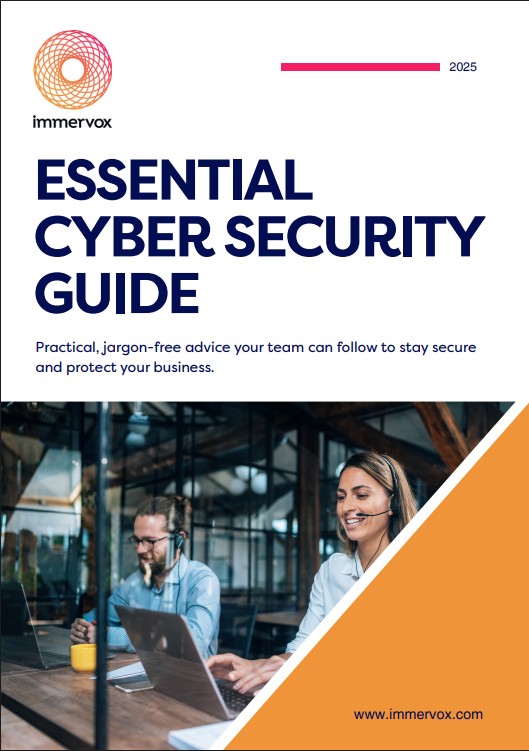
Although you cannot undo the compromise of your details, you can reduce the risk of successful attacks by staying vigilant and checking requests carefully before taking action. If you’re looking for other ways to protect yourself from cyber attacks, our cyber security top tips are available to download. Following this guidance can help you stay better prepared for cyber criminals’ tactics.
You are your best line of defence. Trust your instincts and seek advice whenever you need it.
Download our practical, jargon-free 2025 Essential Cyber Security Guide for FREE